
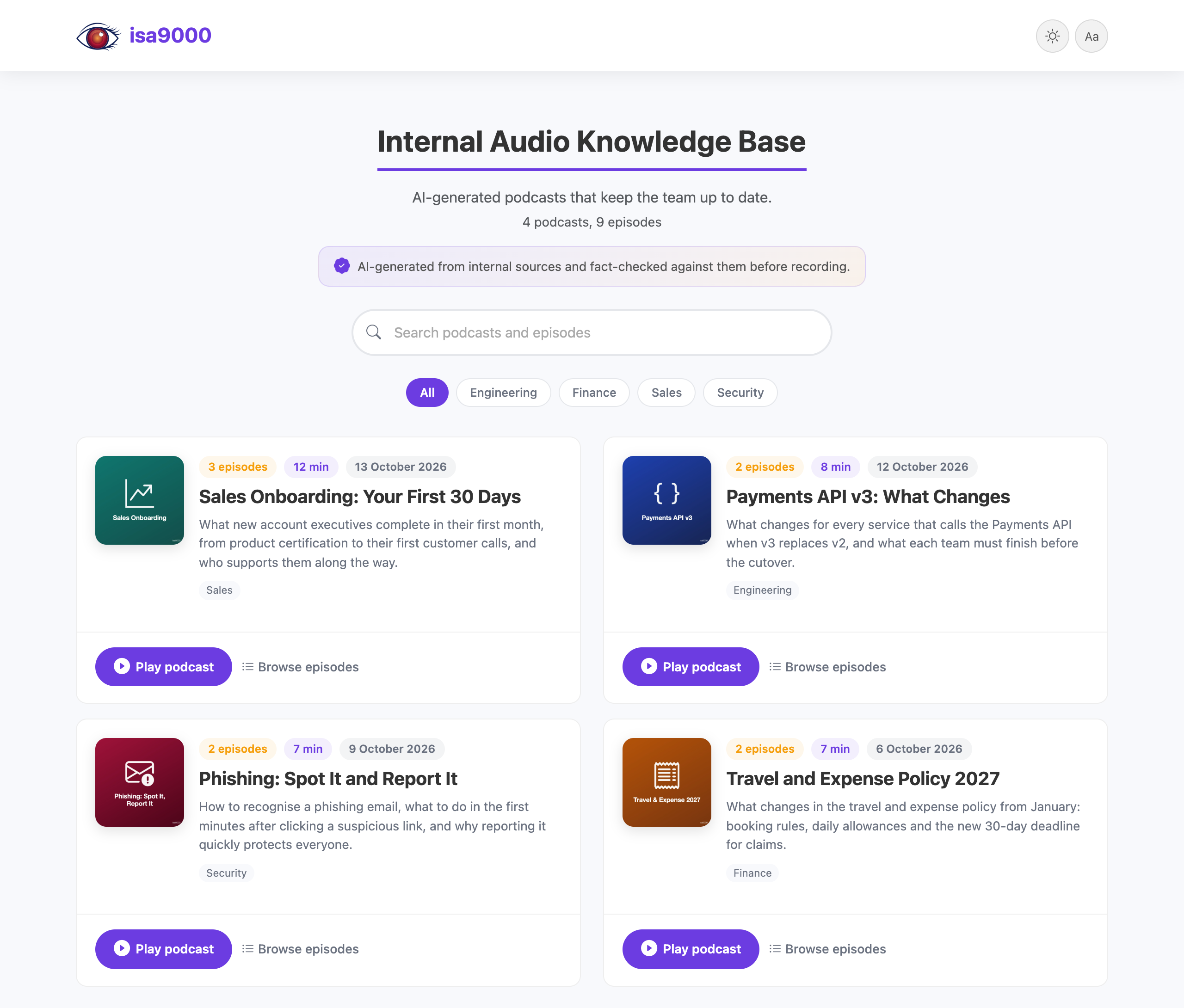
isa9000 turns your organization’s documents and links into short, fact-checked podcasts and publishes them as a private audio knowledge base, inside your own network and with your own branding. It follows the production rules of Dev Stories and runs on Microsoft Azure (Microsoft Foundry) by default, or on Google Cloud (the Gemini API or Vertex AI).
Quick start
pip install "isa9000[audio-generation-ui]"
isa9000 init                           # writes isa9000.toml: add your Azure or Google credentials
isa9000 audio-generation-ui            # create podcasts in your browser at http://127.0.0.1:8790
isa9000 presentation-website --serve   # build the presentation website, preview it at http://127.0.0.1:8800
Python 3.11 or newer, on Linux or macOS. No ffmpeg or other system tools. Servers and CI only need pip install isa9000. For Microsoft Foundry on Azure, see Configuration; for the Gemini API, Vertex AI and service accounts, see Configuration.
Ways to use it
| Who | How | Publishing |
|---|---|---|
| Business users | The audio generation UI, on their own computer | Download the presentation website as a ZIP and upload it |
| Developers | The command line or Python, in scripts and schedules | Their own upload step, for example to Azure Blob Storage |
| Everyone, on a company portal | The podcasts folder in Git, published by CI | GitHub Actions |
The audio generation UI serves one person on one computer: it answers only on 127.0.0.1 and has no sign-in. A shared audio generation UI hosted on a portal is planned.
What leaves your machine
Only what the models need: your request, the content of your sources (PDFs are sent as files), the scripts to record and short clips of each recording for its check. It goes to the model endpoints you configure: the Gemini API with your key, Vertex AI in your own project, or Microsoft Foundry. The presentation website is static files with no server code, analytics or tracking.